In this post
Your SEO data in your AI assistant
- The Core Issue: You already use AI for SEO, but you’re still copying reports and rankings into the chat by hand. Your assistant answers with generic advice because it never sees your real, up-to-date Seobility data.
- The Solution: The Seobility MCP connects your AI assistant straight to your Seobility account, so you can ask about your rankings, audits, and competitors in plain language and get answers built on your own data.
- Quick Win: Skip to How does the Seobility MCP work? to connect Seobility to your AI assistant and run your first prompt in a few minutes.
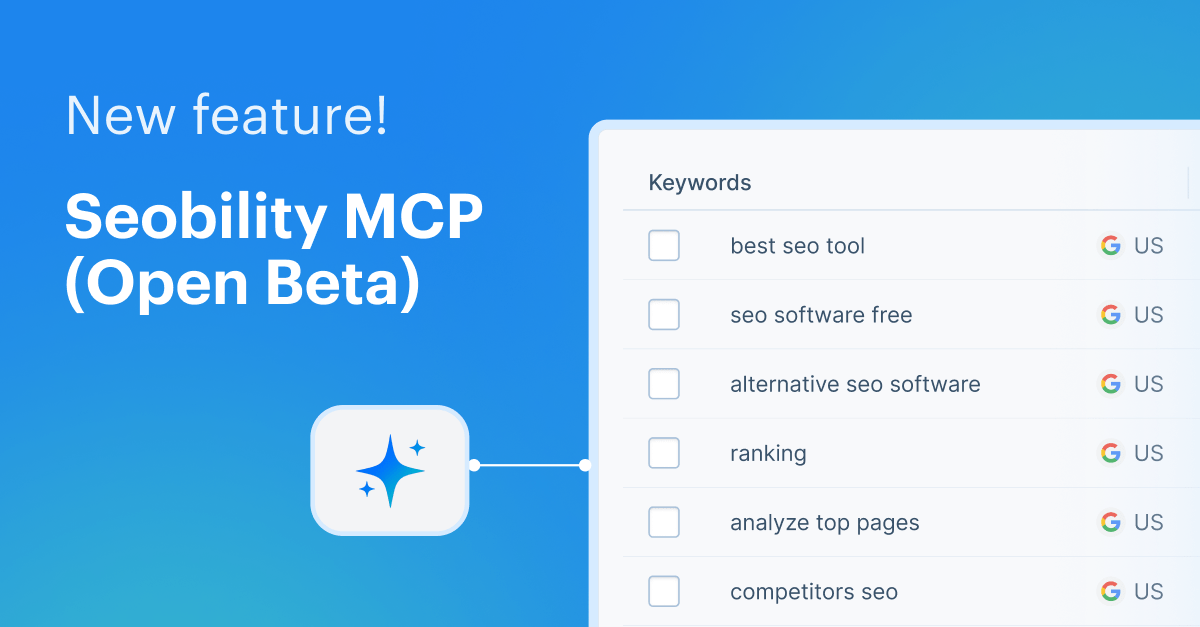
We’re excited to introduce a new way to work with your SEO data: the Seobility MCP (Open Beta)! It connects your AI assistant, like ChatGPT or Claude, directly to your Seobility account, so you can ask about your rankings, audits, and competitors in everyday language and get answers built on your own data. No more exporting reports and pasting them into the chat.
In this article, you’ll learn what the Seobility MCP can do for you, how to set it up, and how to get the most value out of it!
What is the Seobility MCP, and what can it do for you?
The Seobility MCP lets you work with your SEO data right inside the AI assistant you already use. Instead of opening the Seobility application and copying data into your chat, you connect Seobility to your assistant once. From then on, you ask questions in everyday language and get answers based on your own projects, rankings, and Seobility’s SEO tools.
Once it’s connected, the flow is simple:
- You ask a question in plain language.
- Your assistant retrieves and analyzes your Seobility data for you.
- You get answers, summaries, and clear next steps without switching tools or exporting anything.
A question like “how is my site doing in Google right now?” no longer returns textbook advice. It returns your actual positions from your Ranking Monitoring. And because everything runs on one connection to your account, you reach all of Seobility’s tools, the Website Audit, Ranking Monitoring, Backlink Monitoring, SEO Competitor Analysis, and Keyword Research, from the same chat. No developer setup, no separate integration per tool, and it runs on your normal Seobility plan.
What can you actually do with it?
Once the Seobility MCP is connected, you just ask, and your assistant works out the right steps on its own. Start with the everyday questions:
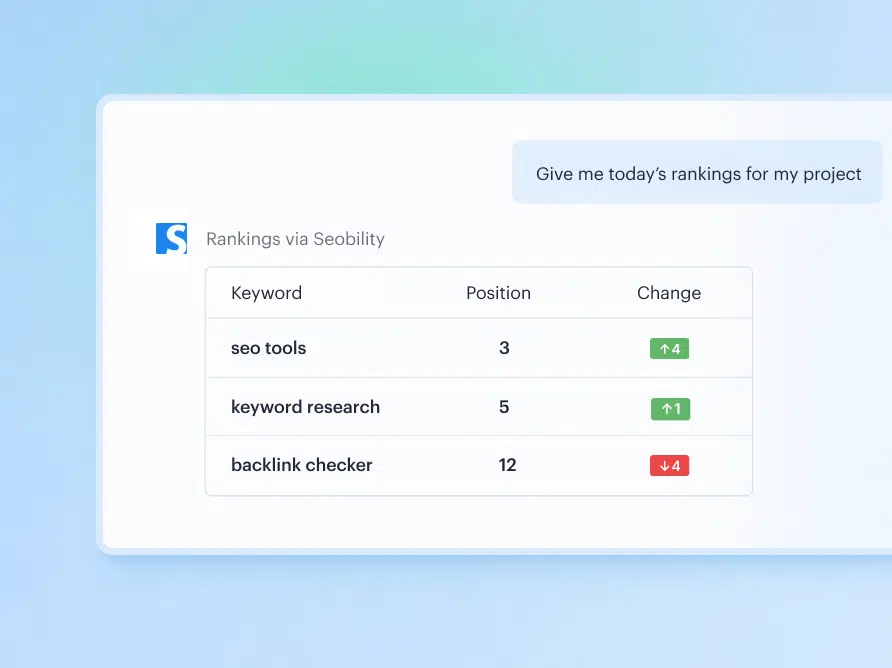
Check your rankings. Get your latest positions across Google and in AI Overviews, without opening a report.
“Where does my website rank for ‘seo check’ in Google Germany?”
“Give me today’s rankings for my project [name].”
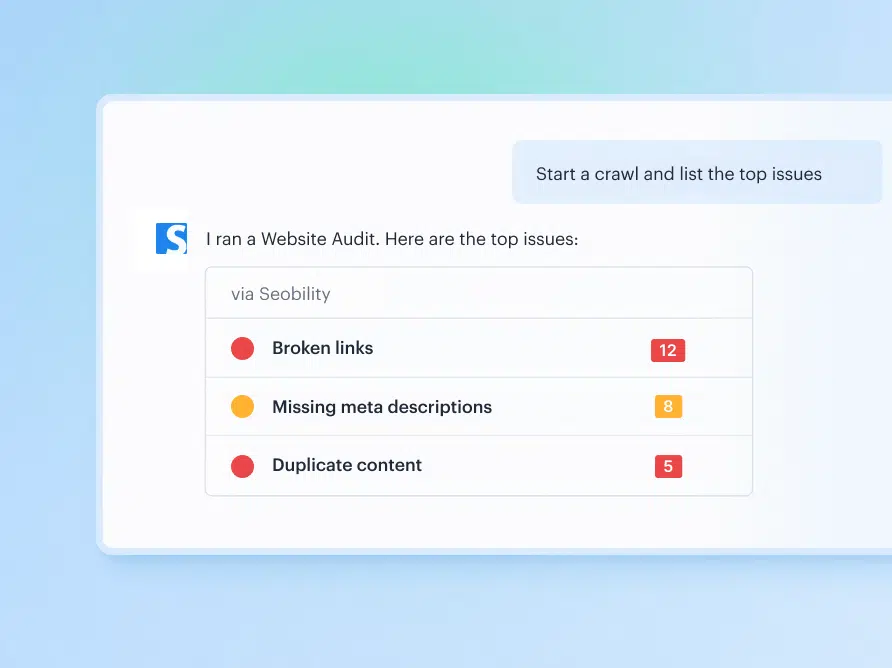
Run a Website Audit. Start a crawl and have the most important technical and on-page issues explained back to you, so you know what to fix first.
“Start a crawl for my project [name] and list the top issues.”
Do a quick SEO check on any page. Run a fresh check on a single URL and get clear, plain-language feedback.
“Run an SEO check on this landing page: [URL].”
Keep an eye on your competitors. Track how competitors are performing and get a heads-up when something meaningful changes.
“Tell me if [competitor] gained or lost visibility this week.”
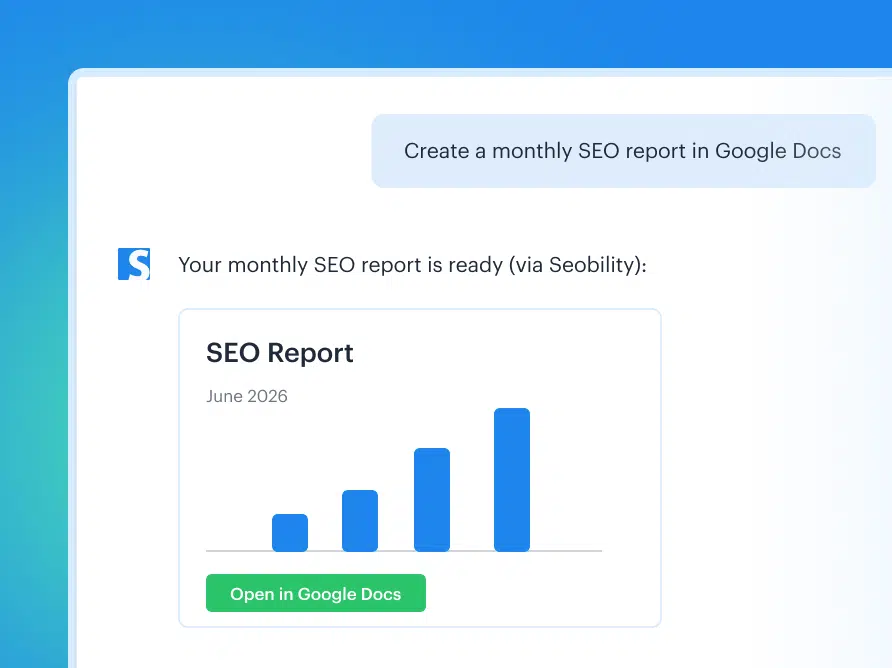
Create your reports. Turn your data into a report in the tools you already use, like Google Docs or Notion.
“Create the monthly report for my project [name].”
Where it gets powerful: chaining several steps in one prompt
Single questions are handy, but the Seobility MCP provides even more value when you let your assistant chain several steps together and hand back a finished answer. Instead of running a report, reading it, and deciding what to do, you describe the outcome you want and let the assistant pull from as many tools as it needs. A few workflows worth trying:
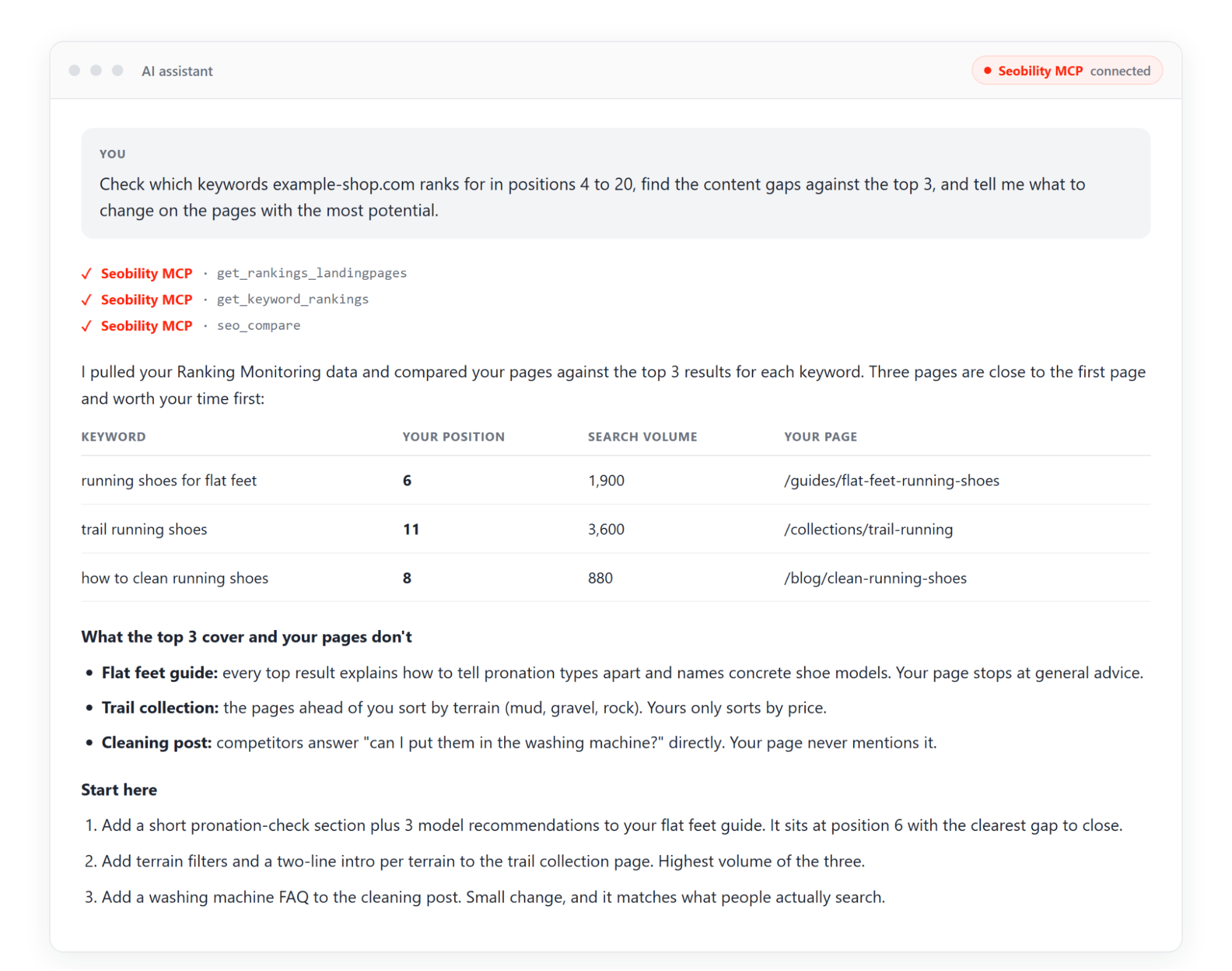
Find and prioritize your content gaps.
“Check which keywords [URL] ranks for in positions 4 to 20, find the content gaps against the top 3 ranking pages, and tell me what to change on the pages with the most potential.”
One prompt pulls your rankings, compares your page against the ones ahead of you, and gives you a prioritized to-do list, all from your own data.
Summarize what actually moved.
“Compare my rankings this month against last month and summarize the biggest movements for my project [name].”
Instead of scanning a table, you get the story: what climbed, what slipped, and where to look next.
Triage your latest crawl.
“Find the pages with the most technical issues in my latest crawl and tell me what to fix first.”
Your assistant turns a full audit into a short, ordered fix list, so you spend your time fixing instead of sorting.
Close the gap on a competitor.
“Which keywords does [competitor] rank for that I don’t, and which ones are realistic for me to target?”
You get a shortlist tied to your own site’s strength, not a raw keyword dump.
Check your standing in AI search.
“Which of my tracked keywords trigger a Google AI Overview, and where do I stand on them?”
Because Ranking Monitoring tracks AI Overview positions, your assistant can tell you where AI answers already shape your visibility and which pages are worth pushing. And there’s more coming here: our dedicated AI Visibility Tracking is on the way to show how your brand shows up across AI search beyond Google’s AI Overviews.
Even easier: ready-made skills for Claude
Don’t want to write these prompts yourself? We’ve built a free library of Claude skills for the Seobility MCP. A skill is a short set of instructions that tells your assistant which Seobility data to pull and how to turn it into a useful answer. You ask something like “What should I fix first?” and get a short, prioritized plan with the reasons behind it.
There are six skills so far:
- Project check: the project settings worth changing so Seobility shows you the whole picture.
- Weekly check-in: the ranking, backlink, audit, and uptime changes since last week, plus three jobs for this week.
- Ranking opportunities: the keywords that are close to the top 3 or top 10, with hints on how to close the gap.
- Competitor gap: your page compared with the pages that outrank it, and a ranked list of what you could improve.
- Audit triage: your Website Audit findings grouped by the one change that fixes them, ranked by impact against effort.
- Findings to tickets: ready-to-paste tickets for your developer, and a checklist for everything you can fix yourself.
You can use them in AI assistants that support skills, such as Claude Code or the Claude desktop app. Connect the Seobility MCP first (see the next section), then follow the setup steps on GitHub.
How does the Seobility MCP work?
MCP stands for Model Context Protocol. It’s a secure, standard way for AI assistants to connect to outside tools and data. In plain terms, it’s the bridge that lets your AI assistant reach into your Seobility account and work with your data.
Getting set up takes three steps:
- Create your API key. Open the Account Settings > MCP tab in Seobility and generate your personal key.

- Add Seobility to your AI client. For CLI tools like Claude Code, Codex, or Cursor, you paste the server into a config file. For chat tools like Claude or ChatGPT, you add it through the client’s connector setup. For the exact setup steps for each client, see our Help Center guide to connecting the Seobility MCP.
- Start asking questions. Once the connection shows as active, you’re ready to go!

The Seobility MCP works with any MCP-compatible AI client, for example Claude Code, Claude, Cursor, or ChatGPT.
If you’re not using Seobility yet, you can test it for free for 14 days here. The free trial includes MCP access.
How credits work
The Seobility MCP runs on credits that are included with your plan. Every time your assistant works with your data, it uses part of that allowance. Credits keep things fair, so no single account can overload our live tools.
During the beta, you get higher credit limits so you have plenty of room to explore workflows without running low:
- Premium: 40,000 credits per billing interval
- Professional: 100,000 credits per billing interval
- Agency: 200,000 credits per billing interval
To get the most out of your credits, ask focused questions, so your assistant only makes the requests it actually needs. If you reach your limit while testing, please contact our support team.
Further down the line, extra MCP credits will also be available as an add-on, on top of your plan’s monthly allowance.
What the Seobility MCP can and can’t do
The Seobility MCP is built to help you work with your SEO data faster, but it’s worth being clear about where it stops:
- It reads and adds, but never deletes. Your assistant can pull your data and also add to it, for example by adding keywords to a project. It cannot delete anything from your account.
- It doesn’t fix your site or improve your rankings on its own. It gathers your data, explains it, and hands you clear next steps, but you stay in control of what actually happens. (If you connect your assistant to your own website, it can help you act on those fixes, depending on your setup.)
- It stays within your plan’s limits. Usage is bound by the credits included in your plan, so you always know where you stand.
In short, the Seobility MCP puts your SEO data at your assistant’s fingertips and turns it into clear guidance. The decisions stay with you.
Which Seobility plan do you need to use the MCP?
The Seobility MCP is available on our Premium, Professional, and Agency plans. Your plan determines how many credits you have for data and live analysis (see the beta limits above).
You’ll also need an MCP-compatible AI client, such as Claude Code, Claude, Cursor, or ChatGPT.
Over to you
Now it’s your turn! Head to Account Settings > MCP in your Seobility account, create your API key, and connect your favorite AI assistant.
The Seobility MCP is in open beta, which means it’s live and ready to use, but you might still run into the odd bug while we keep polishing it. If you do, please tell us. As a beta user, your feedback goes straight into making the Seobility MCP better, and we’d love to hear which workflows you build with it!