
Seobility MCP (Beta)
The SEO MCP that connects your AI assistant to your Seobility data, so you can run your SEO from a simple prompt.
Try it free Now available in beta on our paid plans.
Bring your Seobility data into your AI assistant
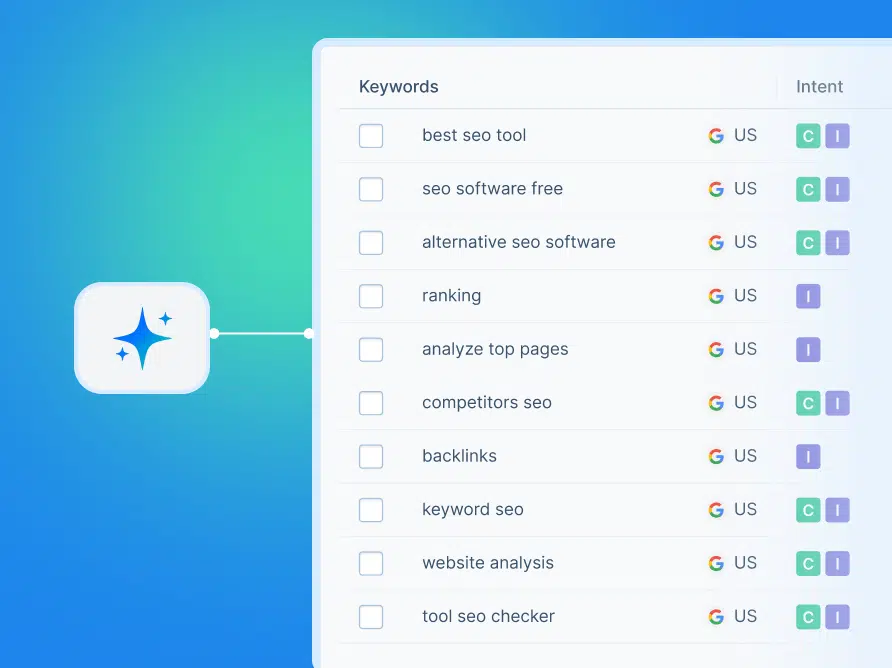
The Seobility MCP lets your AI assistant use Seobility’s data and put it to work for you. MCP stands for Model Context Protocol, a standard that connects AI assistants to outside tools.
In plain terms: instead of switching between your AI chat and the Seobility app, you ask your assistant to fetch your data, run a task, or build a report, and it happens right there in the conversation.
- Work with your SEO data without opening the app
- Let your AI assistant handle the repetitive tasks
- Keep everything tied to your own Seobility account
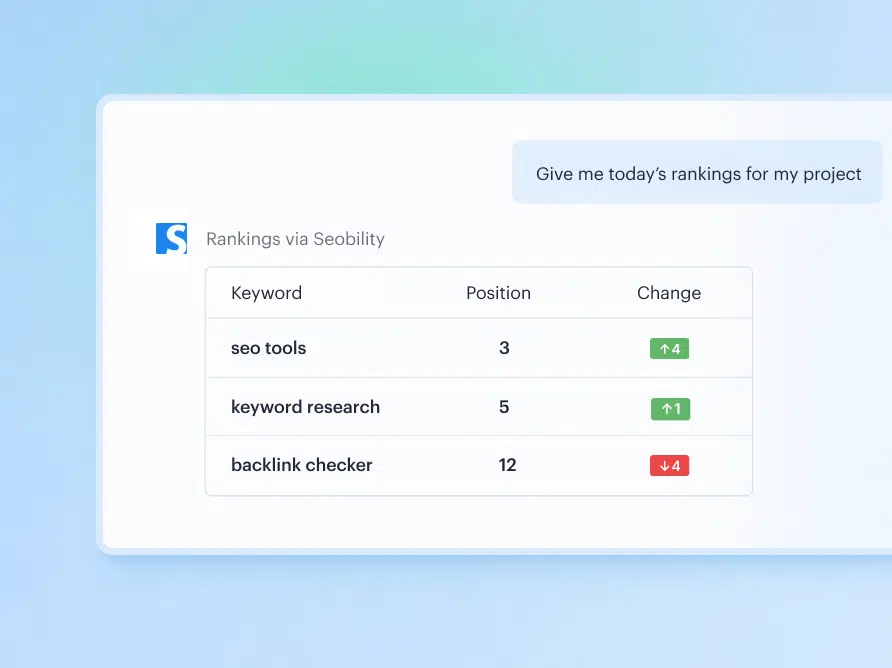
Check your rankings without opening a report
Want to know how your website is doing in search results today? Just ask. The Seobility MCP connects to your Ranking Monitoring data, so your AI assistant can tell you where you stand across Google and AI Overviews, no clicking through reports required.
Example prompt: “Give me today’s rankings for my project [name].”
- See your latest positions on Google and in AI Overviews
- Detect ranking drops and new opportunities early
- Ask follow-up questions in plain language
Run a Website Audit with a single prompt
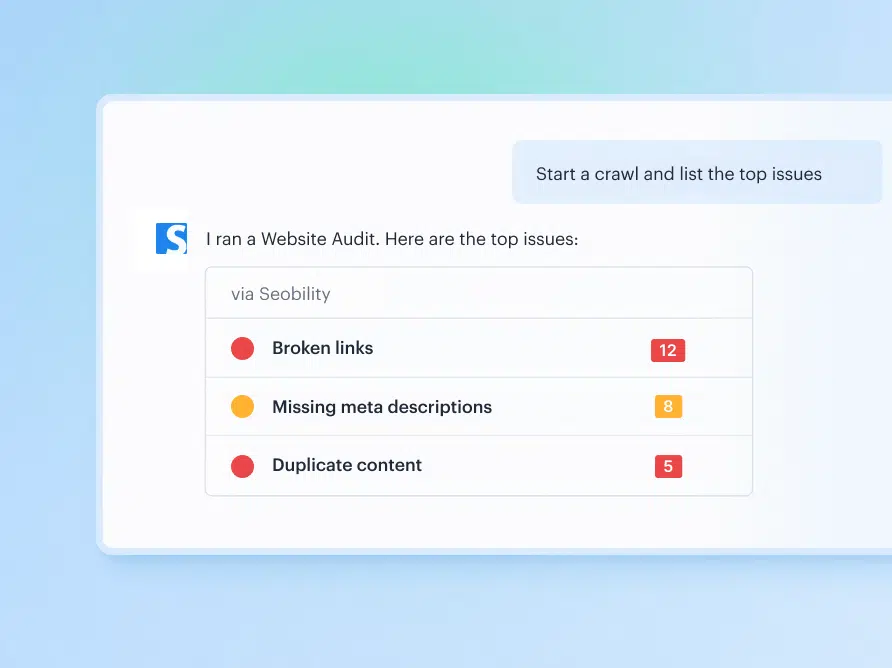
Kick off a crawl straight from your AI chat and get the results explained back to you. Your assistant can start a Website Audit for your project and summarize the most important technical and on-page issues, so you know what to fix first.
Example prompt: “Start a crawl for my project [name] and list the top issues.”
- Start a crawl without leaving your conversation
- Get your biggest issues summarized in plain language
- Let AI fix these issues for you by connecting it to your website (depends on your CMS)
Automate your SEO reporting
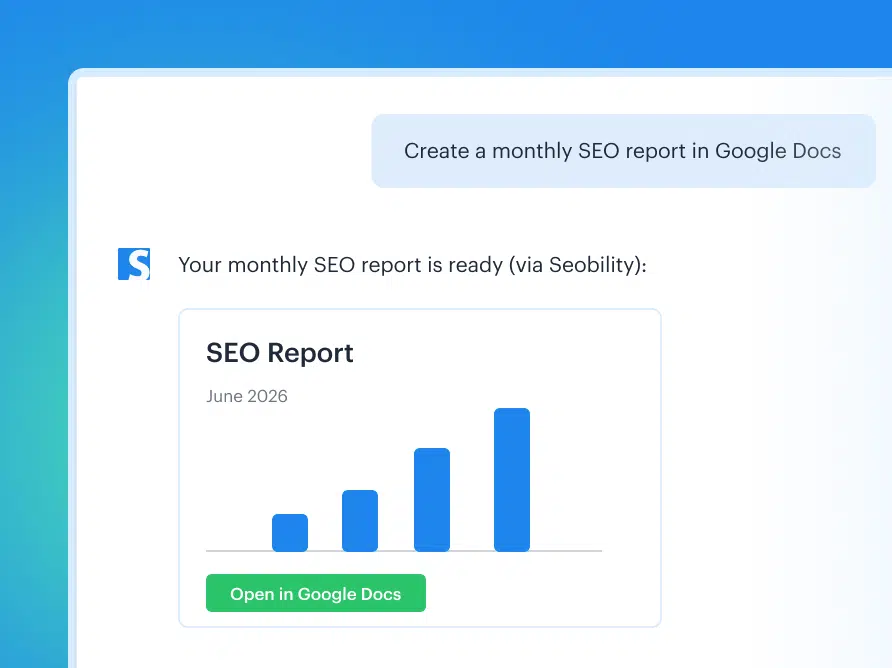
Reporting eats up hours you’d rather spend optimizing. Let your AI assistant do it for you. The Seobility MCP can turn your data into monthly reports in the tools you already use, like Google Docs or Notion.
Example prompt: “Create a monthly SEO report for [project] in Google Docs.”
- Generate recurring reports automatically
- Deliver them into Google Docs, Notion, and more
- Spend less time copying numbers, more time acting on them
Works with the AI tools you already use
The Seobility MCP is built to work across platforms, so you can use it with the AI assistants you rely on every day, like ChatGPT and Claude. You set it up yourself, no developer needed, with a step-by-step setup guide available right in the tool.
The Seobility MCP is now in beta
The Seobility MCP is live in beta on our paid plans, so you can start using it right now. As with any beta, you might still run into the odd bug. If you do, we’d love to hear about it. Your feedback helps us make the Seobility MCP better for everyone.
Frequently asked questions
MCP stands for Model Context Protocol. It’s a standard that lets AI assistants connect to outside tools and data sources. The Seobility MCP uses it to connect your AI assistant to your Seobility account, so you can work with your SEO data right inside your AI chat.
The Seobility MCP is built to work across platforms, so you can use it with popular AI assistants like ChatGPT and Claude, and with developer tools like Claude Code, Cursor, and Codex.
The Seobility MCP is available on our Premium and Agency plans, and you get MCP credits as part of your plan. Additional MCP credits will be available as an add-on later on.
Every request your AI assistant makes uses MCP credits, which are included with your plan. During the beta, you get higher credit limits, so you have plenty of room to explore and test. Additional MCP credits will be available as an add-on later on. Your projects, keywords, and tool usage follow your plan’s limits, just like in the app.
Your AI assistant can read your Seobility data (like rankings, backlinks, and audit results) and add to it (like adding keywords to a project). It can’t delete anything, and it always stays within your plan’s limits.
It means the Seobility MCP is live and ready to use, but we’re still refining it. You might run into the occasional bug. If you do, we’d really appreciate you letting us know, so we can make it better for everyone.
Once you’re on a Premium or Agency plan, head to Account Settings > MCP to create your personal API key, then add the Seobility MCP to your AI assistant. You’ll find a step-by-step setup guide right in the tool.
Try Seobility now – Get 14 days free!
Explore our full SEO software suite and discover how easy SEO can be with the right tools. Optimize your website, monitor your rankings, track backlinks, and more.
Try Seobility for free!